Creating a productive home office environment is essential for anyone who works remotely or spends significant time working from home. A well-designed workspace can enhance concentration, reduce stress, and improve overall work performance. Whether you have a dedicated room or a small corner of your home, these tips will help you set up an efficient and comfortable home office.
Choose the Right Location
Prioritize Quiet and Privacy
Select a spot in your home that minimizes distractions and noise. Ideally, this space should be separate from high-traffic areas like the kitchen or living room. If possible, use a room with a door you can close to create a clear boundary between work and personal life.
Consider Natural Light
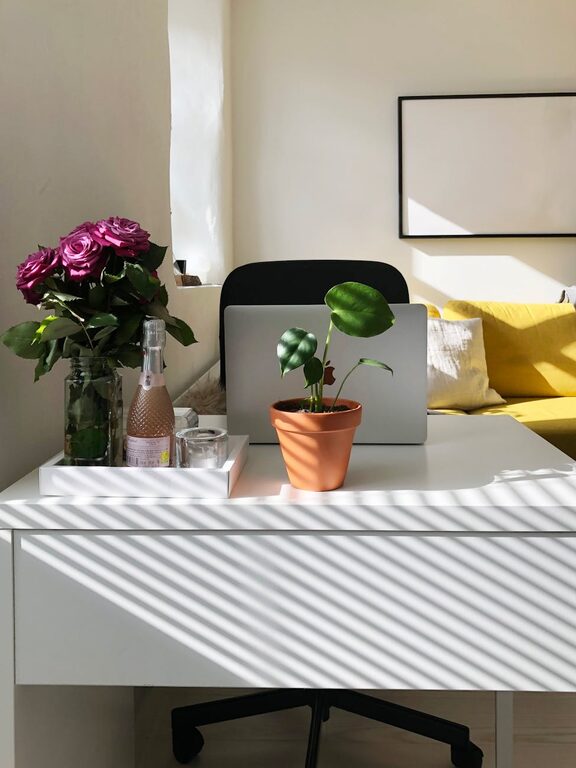
Position your desk near a window to benefit from natural light. Daylight improves mood and alertness, helping you stay focused longer. Avoid placing your computer screen directly in front of or behind a window to reduce glare.
Invest in Ergonomic Furniture
Comfortable Chair and Desk
Your chair should support your lower back and allow your feet to rest flat on the floor. Adjust the height so your arms are at a 90-degree angle while typing. A desk at the right height helps prevent strain on your shoulders and wrists.
Keyboard and Monitor Setup
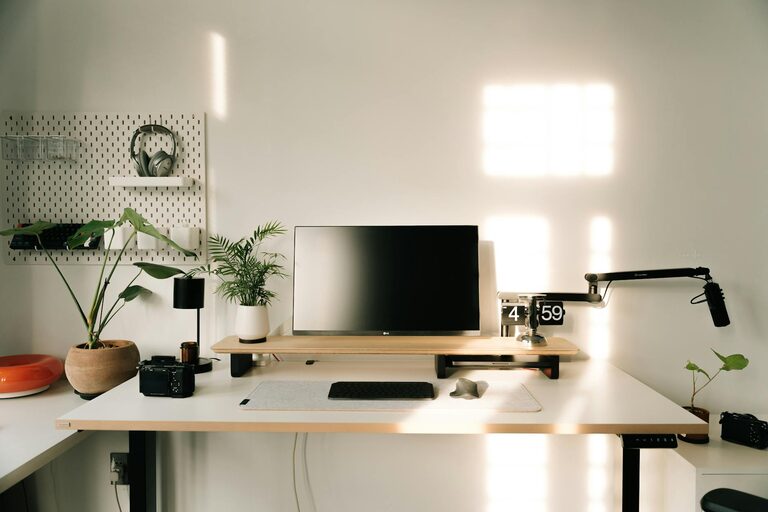
Place your keyboard and mouse within easy reach, and position your monitor so the top of the screen is at or just below eye level. This arrangement helps maintain good posture and reduces neck and eye strain.
Organize for Efficiency
Declutter Regularly
Keep only essential items on your desk to maintain a clean and inviting workspace. Use drawers, shelves, or storage boxes to organize papers and supplies.
Use Organizational Tools
Invest in planners, file organizers, and digital tools to track your tasks and deadlines. Clear organization simplifies your workflow and reduces the time spent searching for items.
Create a Routine and Boundaries
Set Work Hours
Establish consistent working hours to create a predictable schedule. Communicate these hours to family or housemates to minimize interruptions.
Take Regular Breaks
Following the Pomodoro technique or simple timed breaks encourages movement and refreshes your mind. Stand, stretch, or take a short walk every hour to avoid fatigue.
Enhance Your Environment
Personalize Your Space
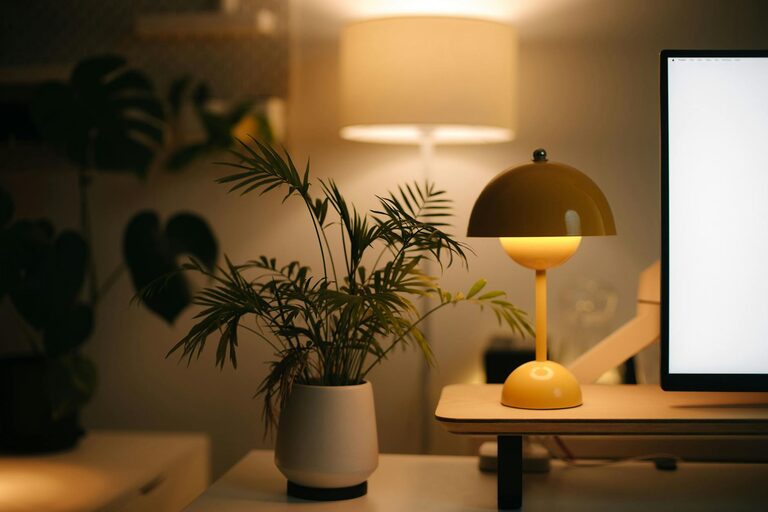
Add elements that inspire and motivate you, such as plants, artwork, or meaningful objects. A pleasant environment can boost creativity and satisfaction.
Control Temperature and Air Quality
Ensure your workspace is well-ventilated and at a comfortable temperature. Fresh air and good climate control contribute to better focus and health.
Limit Digital Distractions
Manage Notifications
Turn off non-essential notifications on your phone and computer during work periods. Consider using apps that block distracting websites or social media.
Use Headphones or Ambient Sounds
If noise is unavoidable, noise-cancelling headphones or background music can help maintain concentration.
Maintain Work-Life Balance
Separate Work and Relaxation Areas
Avoid working from bed or your couch as it blurs the line between work and rest. Having a dedicated office space signals to your brain when it’s time to be productive.
End Your Day with a Closing Ritual
Shut down your computer and tidy your desk at the end of the day. This simple habit helps signal the transition from work mode to personal time.
—
By thoughtfully choosing your workspace, investing in ergonomic tools, staying organized, setting clear boundaries, and creating a pleasant environment, you can transform your home office into a place where productivity thrives. Remember, small changes can lead to big improvements in your workday comfort and efficiency.